Terminal UIs in Dart, done right.
dart_tui is an Elm-style TUI framework — a clean Model–Update–View core, a full component library, and Lipgloss-quality styling, all in pure Dart.

Everything you need to build in the terminal
A complete toolkit — architecture, components, styling and animation — with none of the boilerplate.
Model–Update–View
The same pure, testable architecture as Elm and Bubble Tea — state in, view out.
27+ components
Spinners, tables, trees, lists, inputs, forms and more — batteries included.
Lipgloss styling
True-color RGB, borders with titles, padding, gradients and SGR attributes.
Spring animation
Harmonica-style damped-spring easing for smooth progress, scroll and motion.
Async commands
Cmd handles timers, HTTP, subprocesses and any async work, delivered as messages.
Canvas compositing
Paint styled blocks at any (x, y) with z-index layering for dashboards and HUDs.
Zero-flicker renderer
Cell-level diffing writes only changed cells, with synchronized-update support.
One-shot helpers
promptSelect, promptConfirm, promptInput plus gum-style filter, spin and pager.
Fast startup
Kernel snapshots cut warm-JIT to ~500 ms; AOT compiles to a native binary.
Quick start
A whole app in one file
Extend Model, implement update and view, and hand it to a Program. State is immutable, updates are pure, and the renderer does the rest.
import 'package:dart_tui/dart_tui.dart';

void main() async {
  await Program(
    options: [withAltScreen()],
  ).run(CounterModel());
}

final class CounterModel extends Model {
  CounterModel({this.count = 0});
  final int count;

  @override
  (Model, Cmd?) update(Msg msg) {
    if (msg is KeyMsg && msg.key == 'up') {
      return (CounterModel(count: count + 1), null);
    }
    if (msg is KeyMsg && msg.key == 'q') return (this, () => quit());
    return (this, null);
  }

  @override
  View view() => newView('Count: $count\n\n↑ to add · q to quit');
}
Ready-made components
Drop-in, stateful widgets — each a recorded, real terminal program.
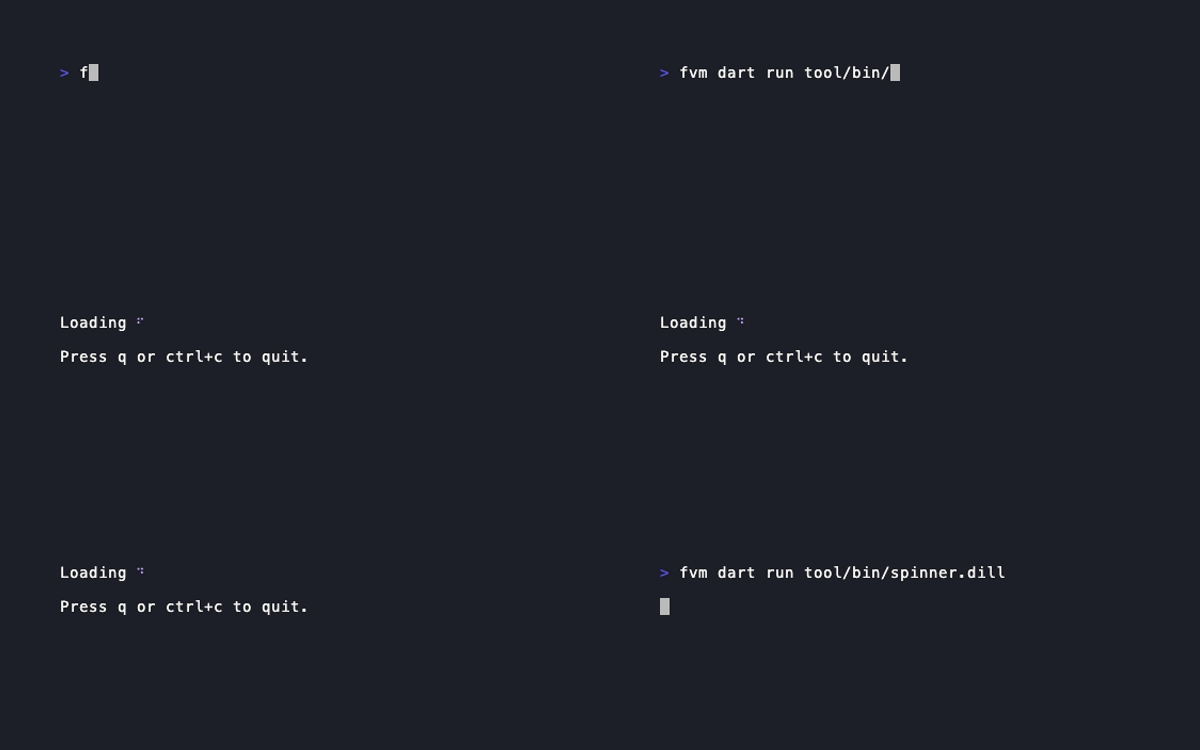
Spinner
Animated indeterminate activity indicator.
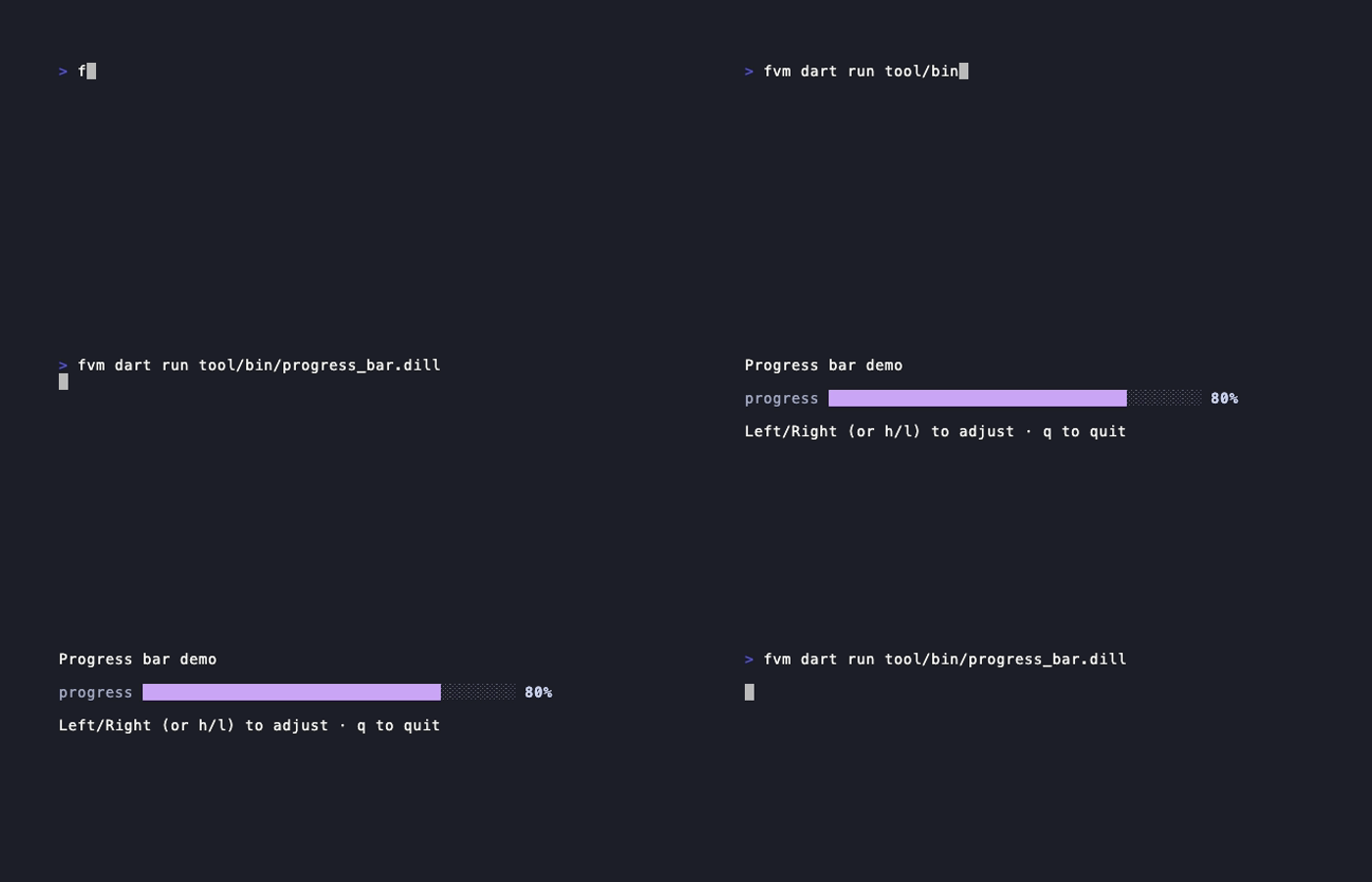
Progress bar
Determinate 0.0–1.0 progress with a filled/empty bar.
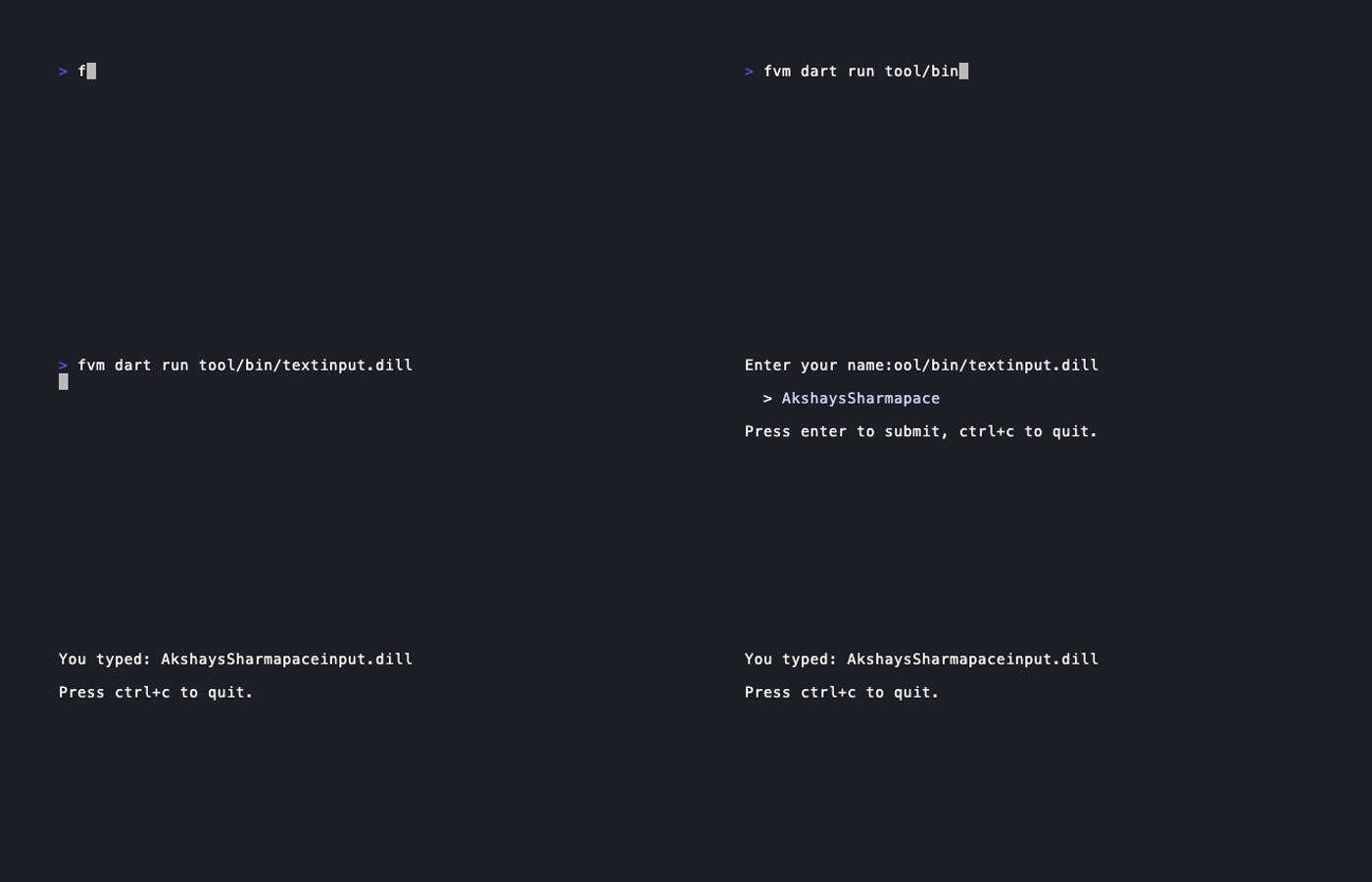
Text input
Single-line input with cursor, validation and suggestions.
 new
newList (fuzzy filter)
Full list with incremental fuzzy filtering and descriptions.

Table
Scrollable data table with per-cell styling.
Start building your TUI today
Add the package, copy an example, and ship a beautiful command-line app.