Alt-screen toggle
Toggles the alternate screen buffer on and off with the spacebar, showing how enterAltScreen() / exitAltScreen() work and how the terminal state is preserved across the switch.
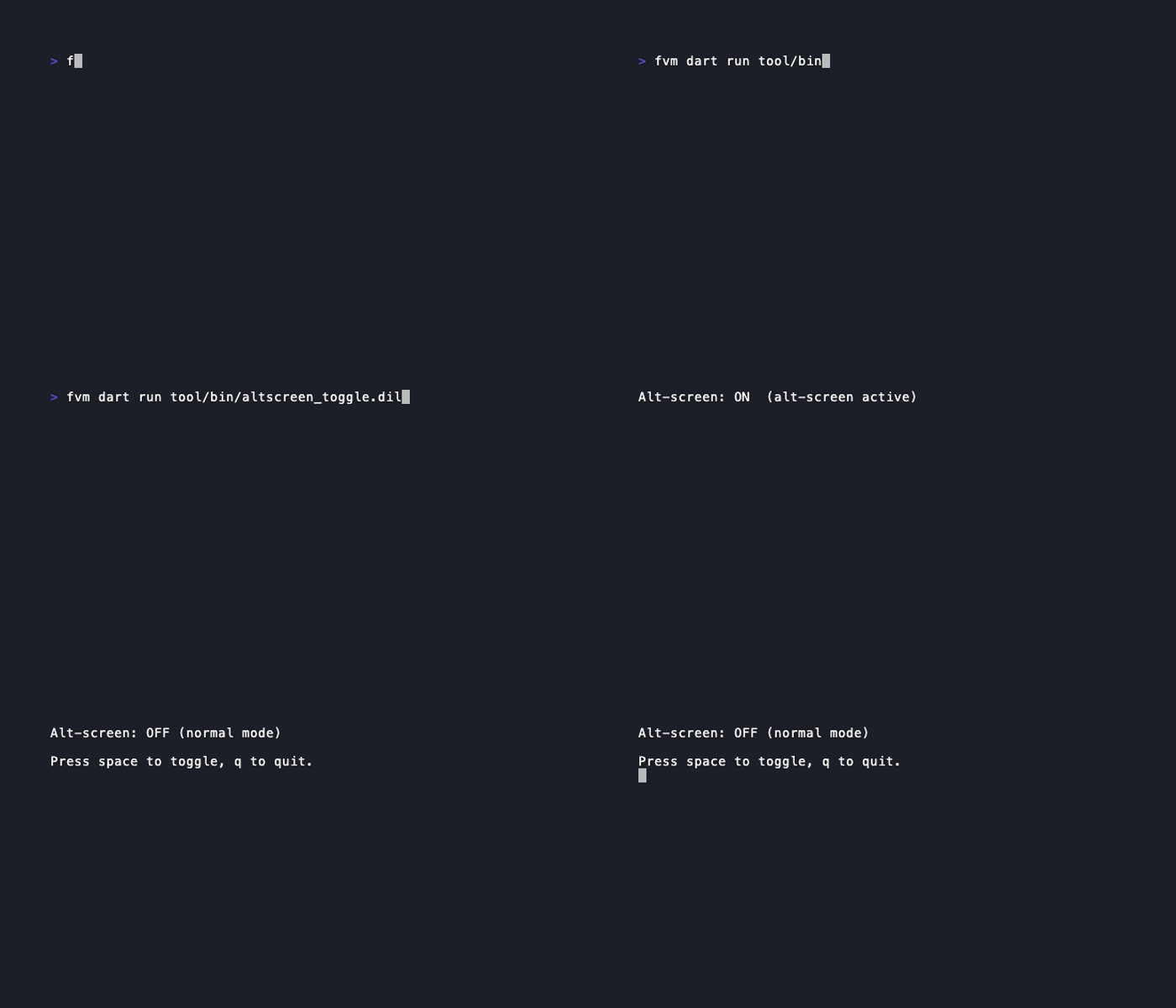
// Run: dart run example/altscreen_toggle.dart
// Toggle alt-screen on/off with spacebar. Press q to quit.

import 'package:dart_tui/dart_tui.dart';

Future<void> main() async {
  await Program().run(AltScreenToggleModel());
}

final class AltScreenToggleModel extends Model {
  AltScreenToggleModel({this.altScreen = false});

  final bool altScreen;

  @override
  (Model, Cmd?) update(Msg msg) {
    if (msg is! KeyMsg) return (this, null);
    switch (msg.key) {
      case 'space':
        return (AltScreenToggleModel(altScreen: !altScreen), null);
      case 'q':
      case 'ctrl+c':
        return (this, () => quit());
      default:
        return (this, null);
    }
  }

  @override
  View view() {
    final status = altScreen ? 'ON  (alt-screen active)' : 'OFF (normal mode)';
    return View(
      content: 'Alt-screen: $status\n\nPress space to toggle, q to quit.',
      altScreen: altScreen,
    );
  }
}
Run it
bash
dart run example/altscreen_toggle.dart